Ecommerce creative tools in one place
Product set · A+ detail · Viral creatives · Apparel try-on — try the flow before you sign in
One Product Kit sidebar, four focused jobs. Click the tools below to walk a fake upload → choose → preview flow — the same short path you get after login, without spending credits.
Demo only — no live generation and no credits charged. Sign in to run the real tools.
Product set
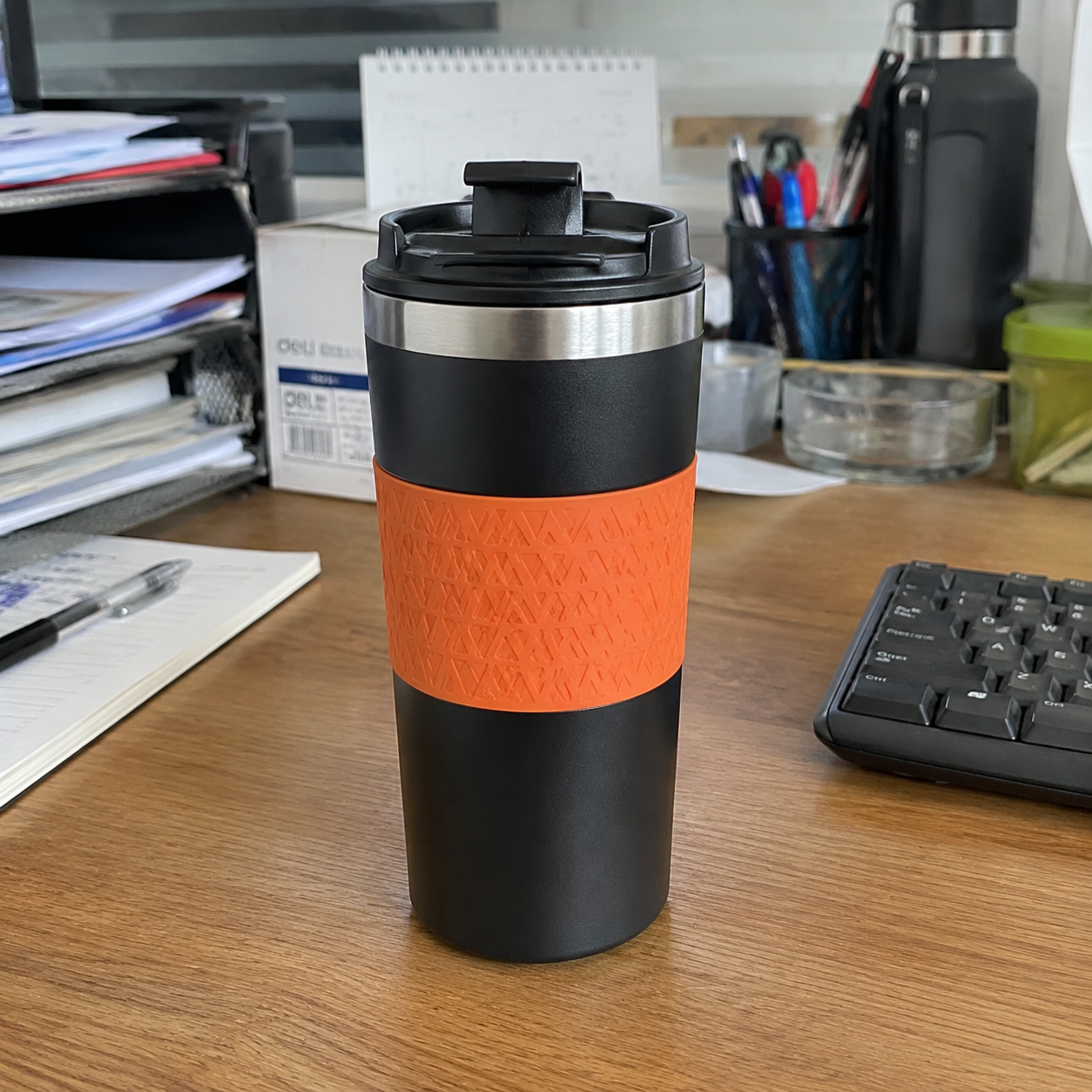
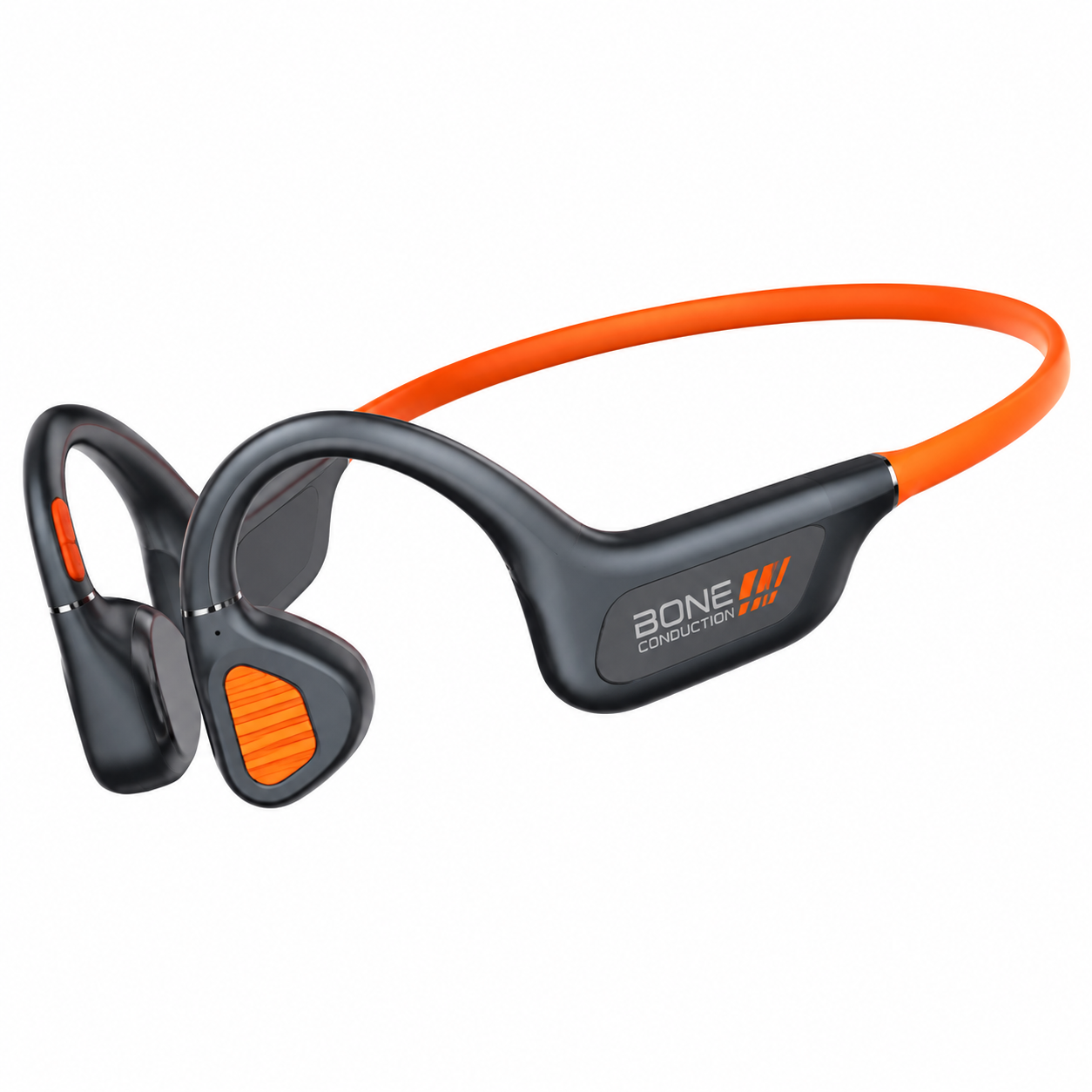
One product shot → white-bg, lifestyle, and angle packs for listings.
- 1Source photo ready
- 2Pick listing angles
- 3Preview set pack
How it works
Ecommerce creative tools in one place
What you get
What you get
Frequently asked questions
Frequently asked questions
No. This page is a clickable mock so you can feel the flow before signing in. Real generation starts after login inside Product Kit.
Product set, A+ detail, viral creatives, and apparel try-on. Video tools live on their own feature page.
Start researching Meta ads
Create a free account and open the product.